SketchFXSketchFX – SketchUp Artistic Rendering in 1-Click

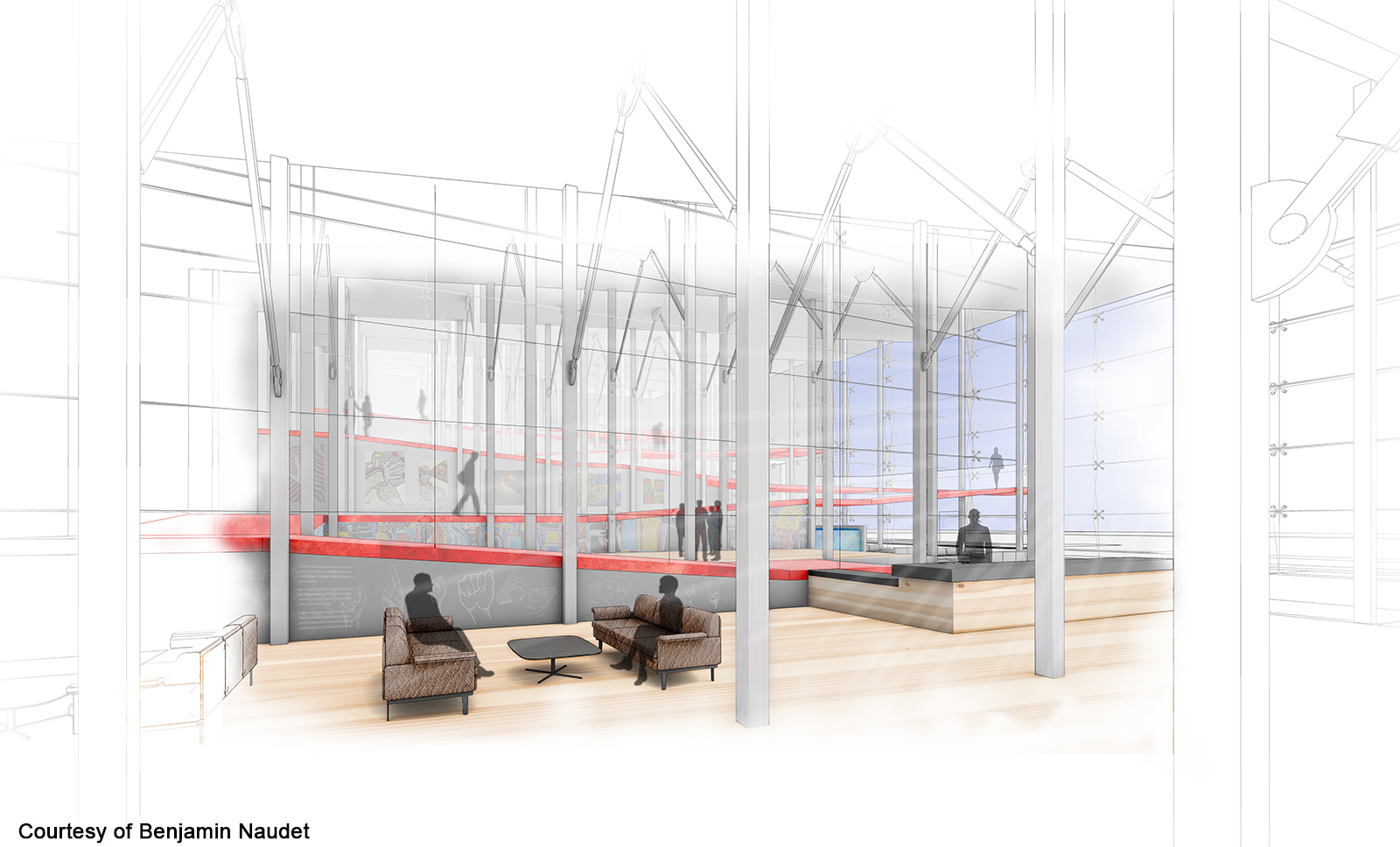
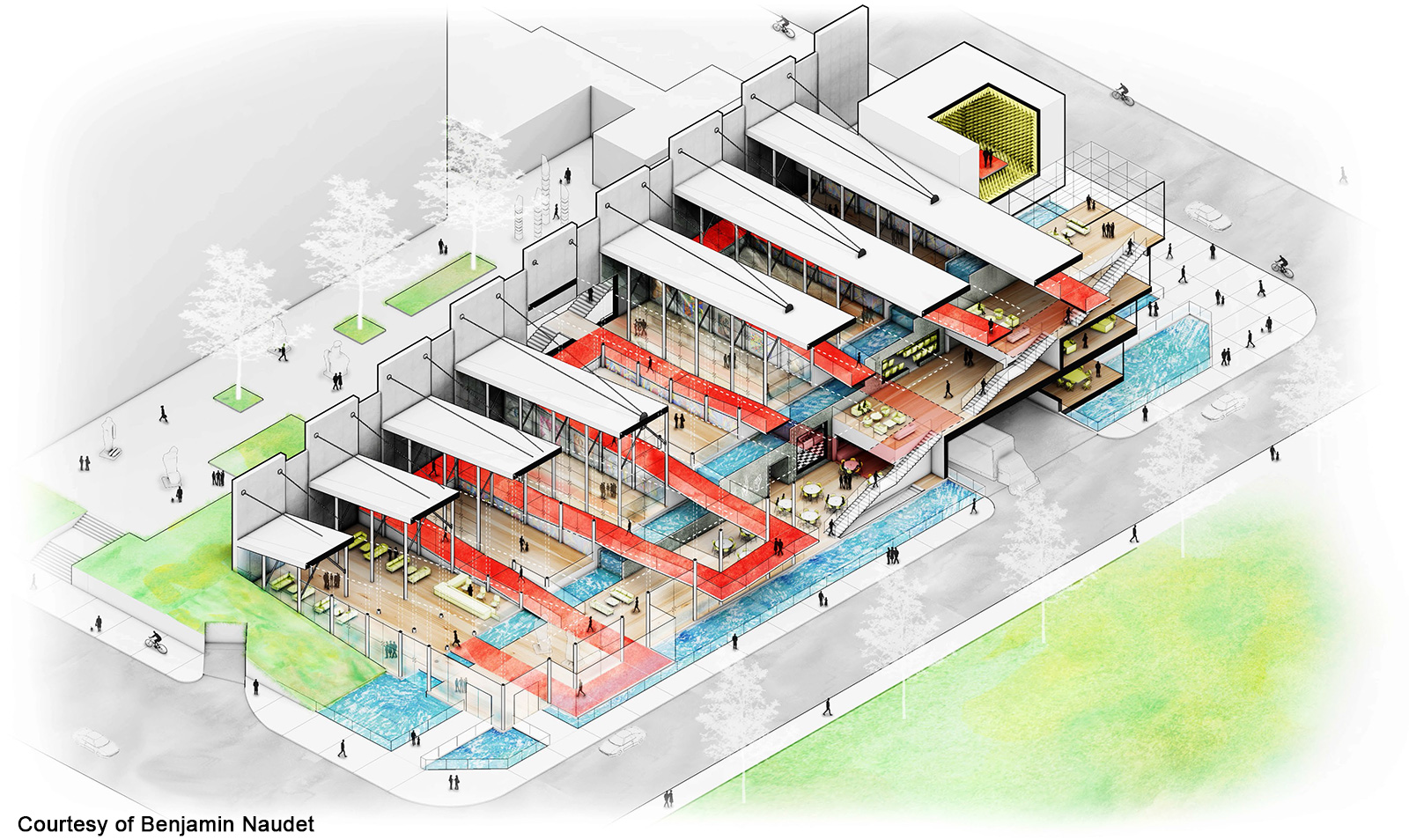
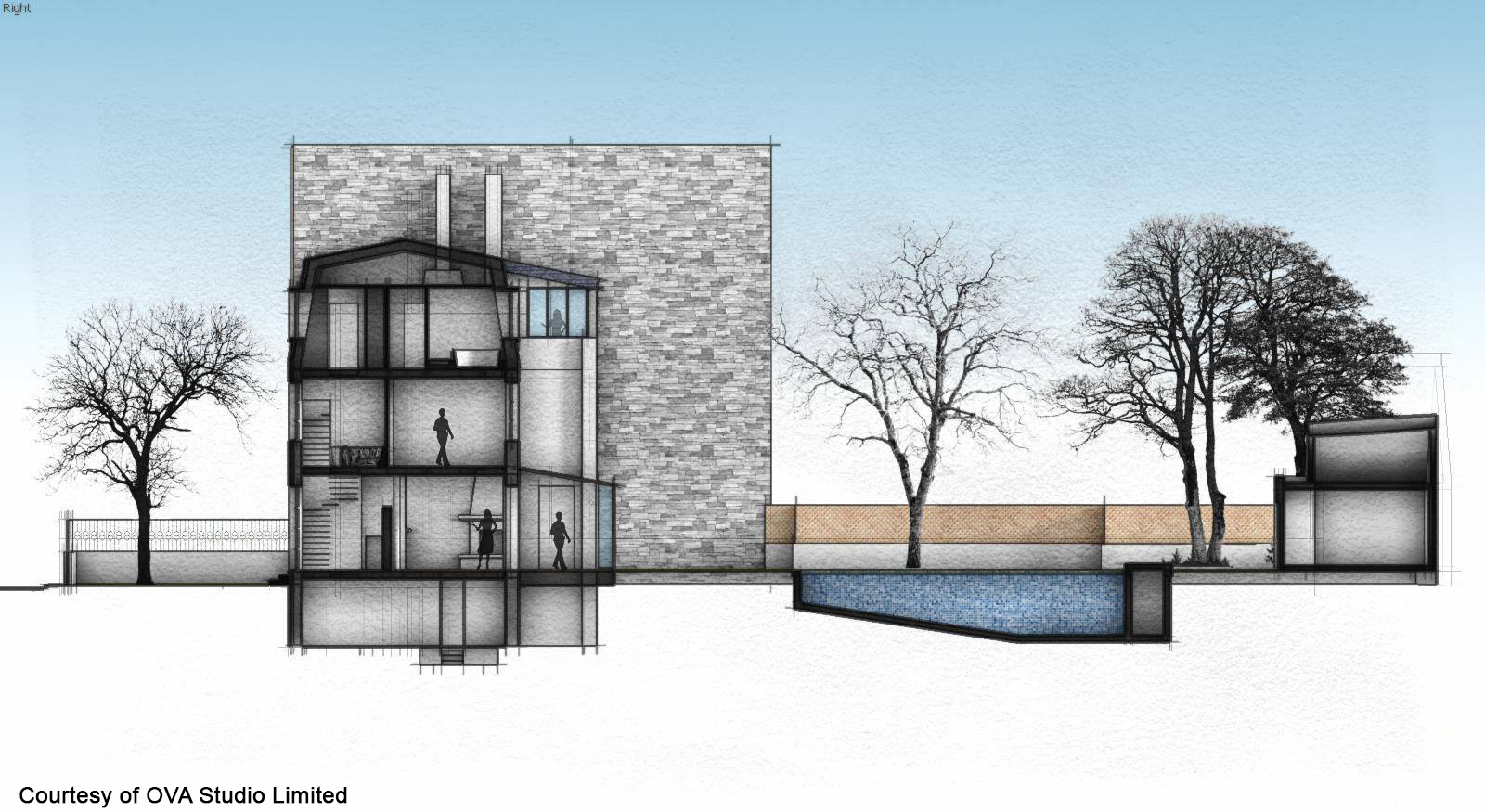
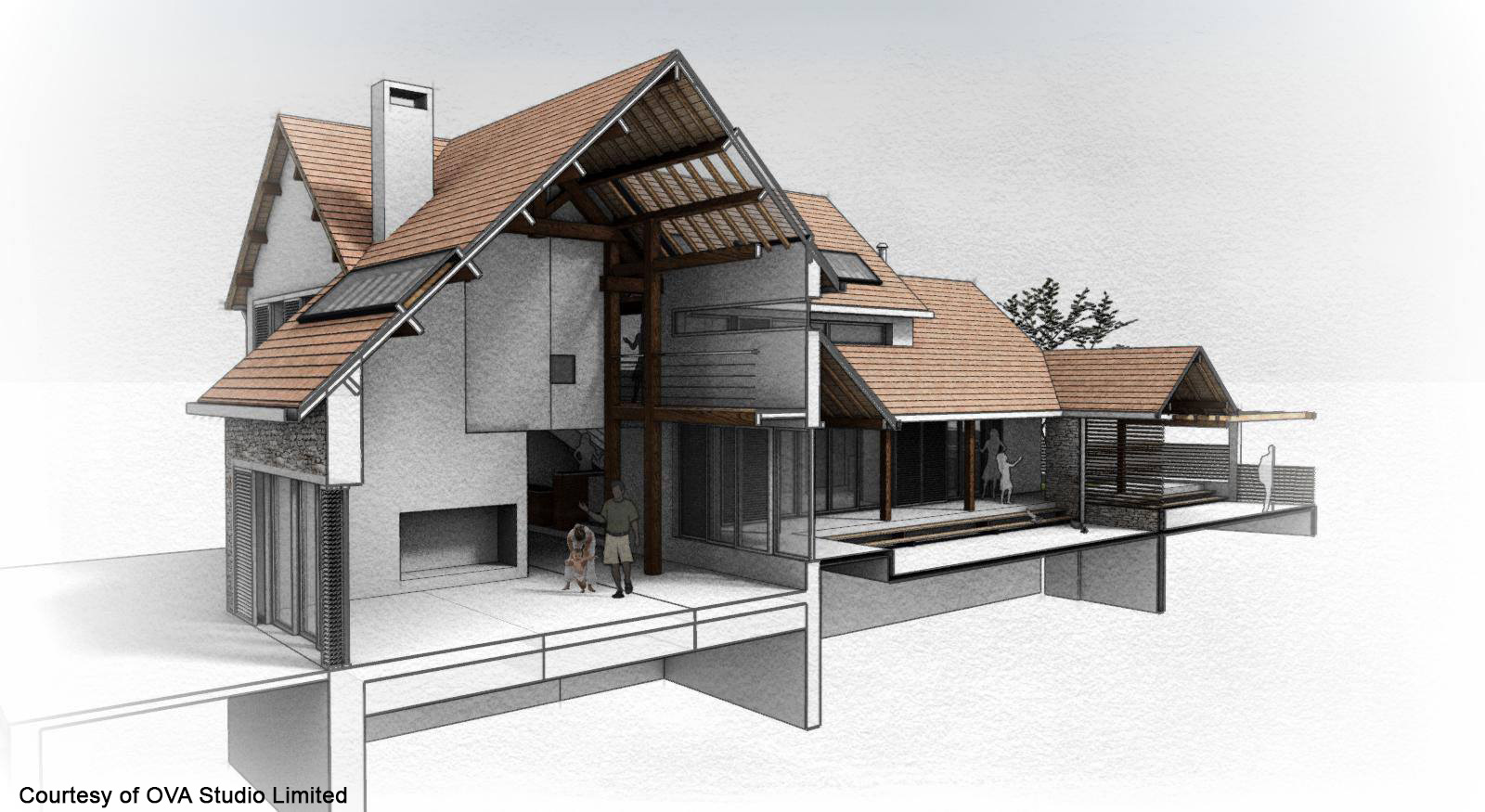
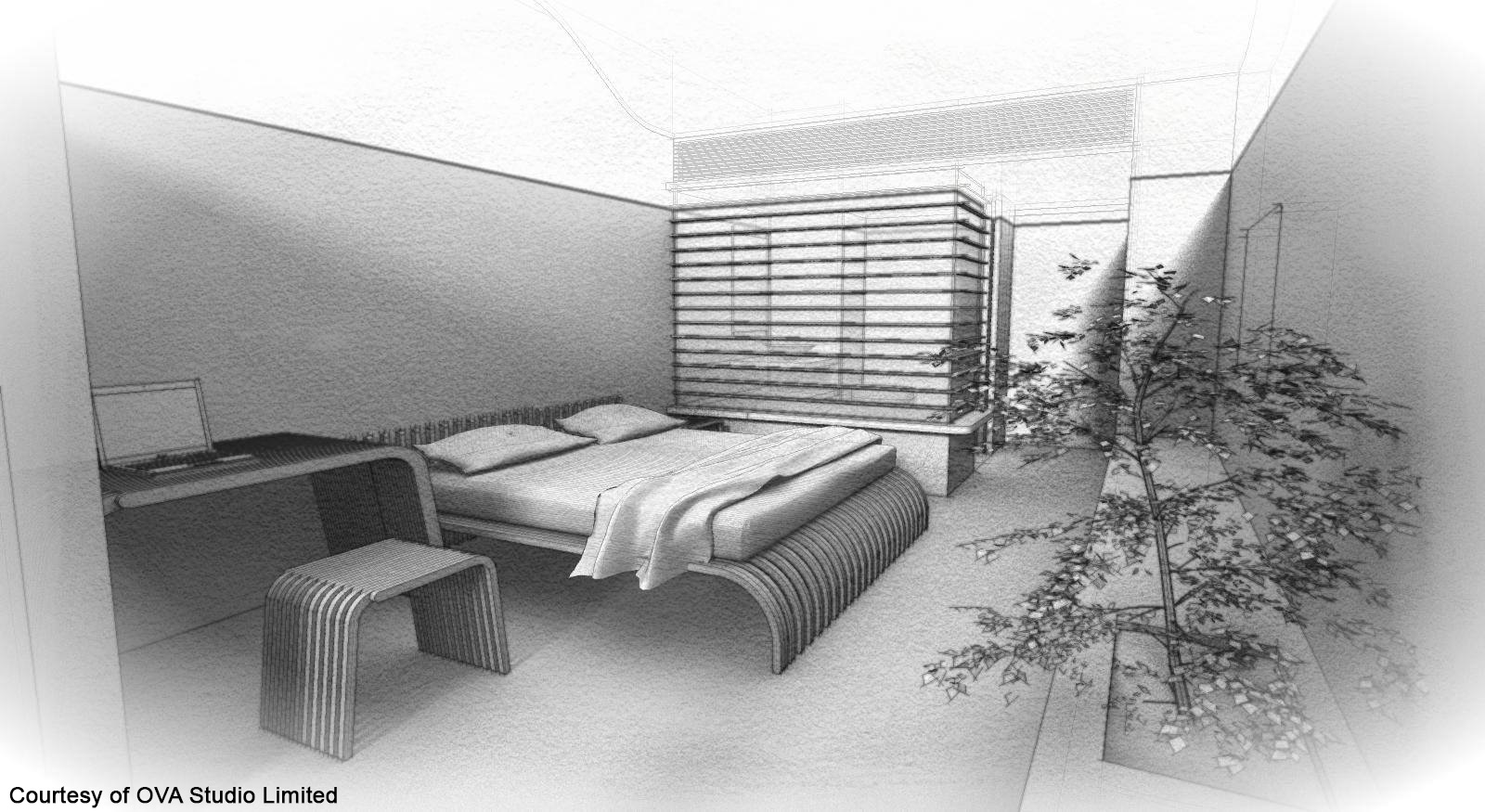
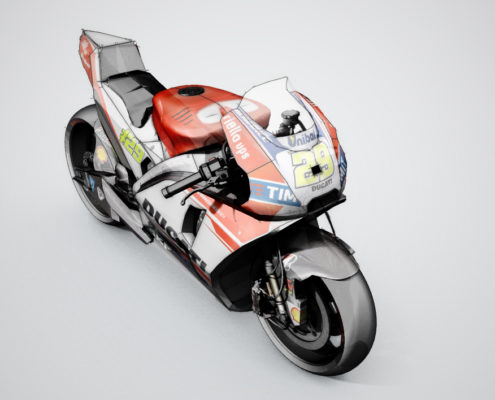
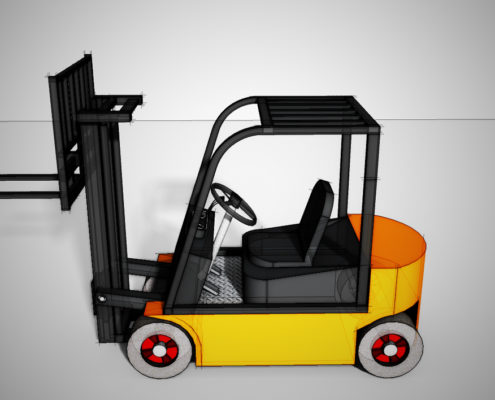
SketchFX, SketchUp Artistic Rendering, adds artistic rendering to SketchUp. No learning required. In just one click, you will create beautiful previews of your models, choosing among a wide range of customizable presets (watercolor, pencil, depth-of-field, motion-blur and many more).

CHECK OUT THIS SHORT VIDEO ON HOW TO USE OUR SOFTWARE

SketchFX ProSketchFX Pro – $89

Fast visualization effects for SketchUp 2017-2026 Win and 2017-2026 Mac:

  • extensive list of predefined custom rendering effects;
  • AmbientOcclusion integration;
  • tons of filters to create your own effect: hue-saturation-value, brightness-contrast, gamma-exposure, blur, radial blur, bloom, fog, depth of field, vignette, artistic paint, image from file,  scene, style and constant color, scene transition, masks.

Missing features compared to Ex version: animation rendering and support for Animator by Fredo6.

SketchFX ProSketchFX Ex – $149

Fast visualization effects and animation for SketchUp 2017-2026 Win and 2017-2026 Mac:

  • all SketchFX Pro features;
  • render animations;
  • batch rendering;
  • support for Animator by Fredo6;
  • extensive list of predefined custom rendering effects;
  • AmbientOcclusion integration;
  • tons of filters to create your own effect: hue-saturation-value, brightness-contrast, gamma-exposure, blur, radial blur, bloom, fog, depth of field, vignette, artistic paint, image from file,  scene, style and constant color, scene transition, masks.
BUY SketchFX Pro
for $89
BUY SketchFX Ex
for $149

Installing SketchFX

SketchUp Artistic Rendering
  1. In SketchUp, select Extensions -> Extension Manager.
  2. Click the Install Extension button.
  3. In the Open dialog box that appears, navigate to the .rbz file saved to your computer, select the file, and click OK (Microsoft Windows) or Open (Mac OS X).
  4. Restart SketchUp

Using SketchFX

SketchUp Artistic Rendering

To enhance your 3d model, go to the menu Extensions -> SketchFX -> Apply Effect, or click the FX button on the toolbar. Once the SketchFX window opens, you can play with the tools available on the window’s toolbar, such as adding and manipulanting effects.

You can also access the help manual through Extensions -> SketchFX -> Help

Try our extensions!

Container house rendering for SketchUp

AmbientOcclusion is a fast, easy 3D rendering plugin for SketchUp. No learning required. In just one click, you will create a visually compelling preview of your 3d models, highlighting space and relations with other objects.

SketchFX extends SketchUp capabilities with a complete set of compelling visual effects. No learning required. In just one click, you will enhance your models with the look you were searching for. Choose among the presets (watercolor, pencil, depth-of-field, motion-blur and more) or create your own style.

FluidImporter

FluidImporter is a very fast importer plugin for SketchUp. Entirely written in C++, it can quickly import many different 3D file types into your SketchUp model. All file informations, such as materials, textures, colors and meshes are accurately imported.

Viz adds parametric modeling to SketchUp. All modeling history is retained and changed on the fly in real-time.

Bool adds hierarchical interactive boolean operations and constructive solid geometry (CSG) to SketchUp.