AmbientOcclusion Ex AmbientOcclusion

1-Click Renders of Your Revit Models

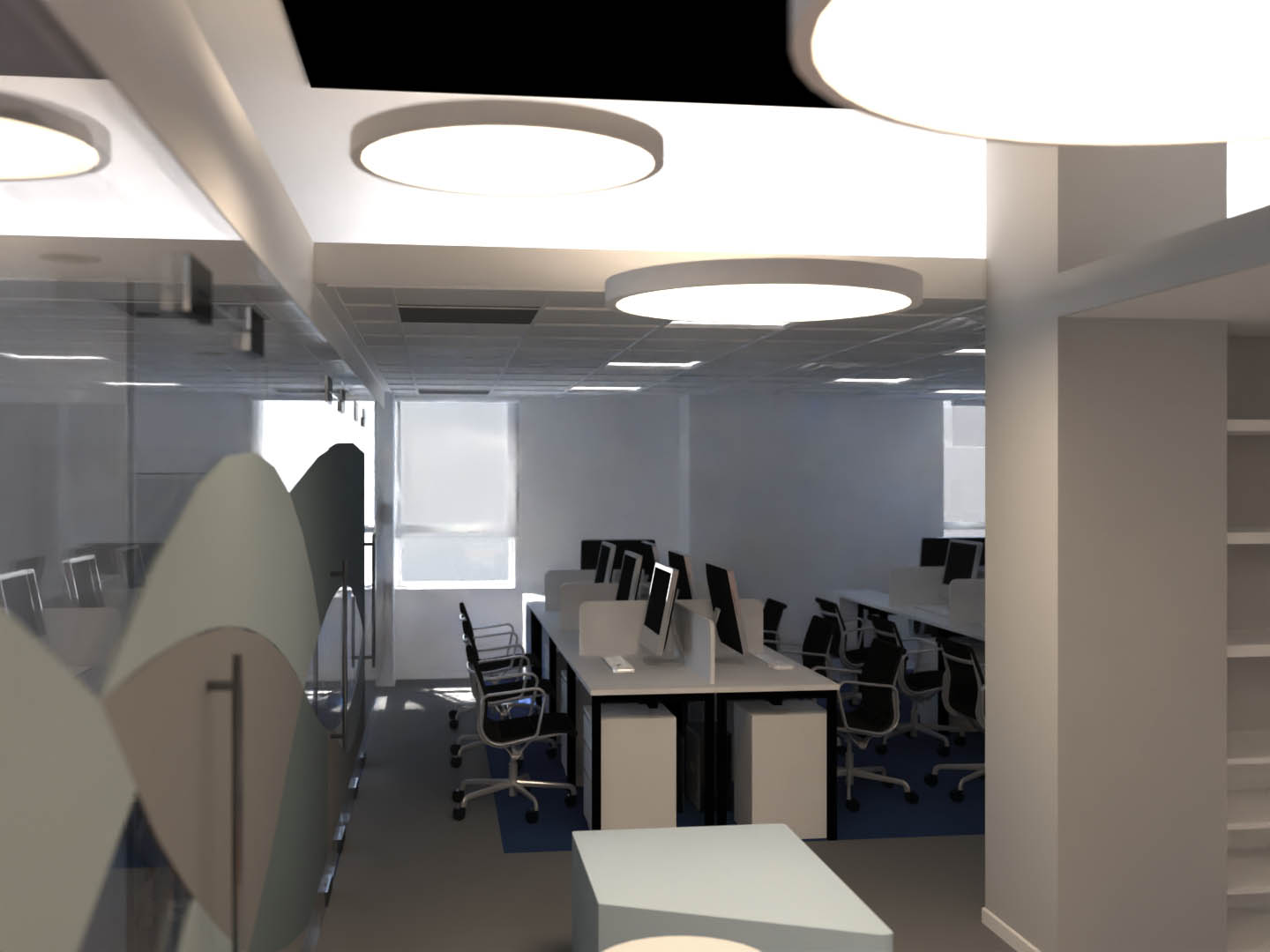
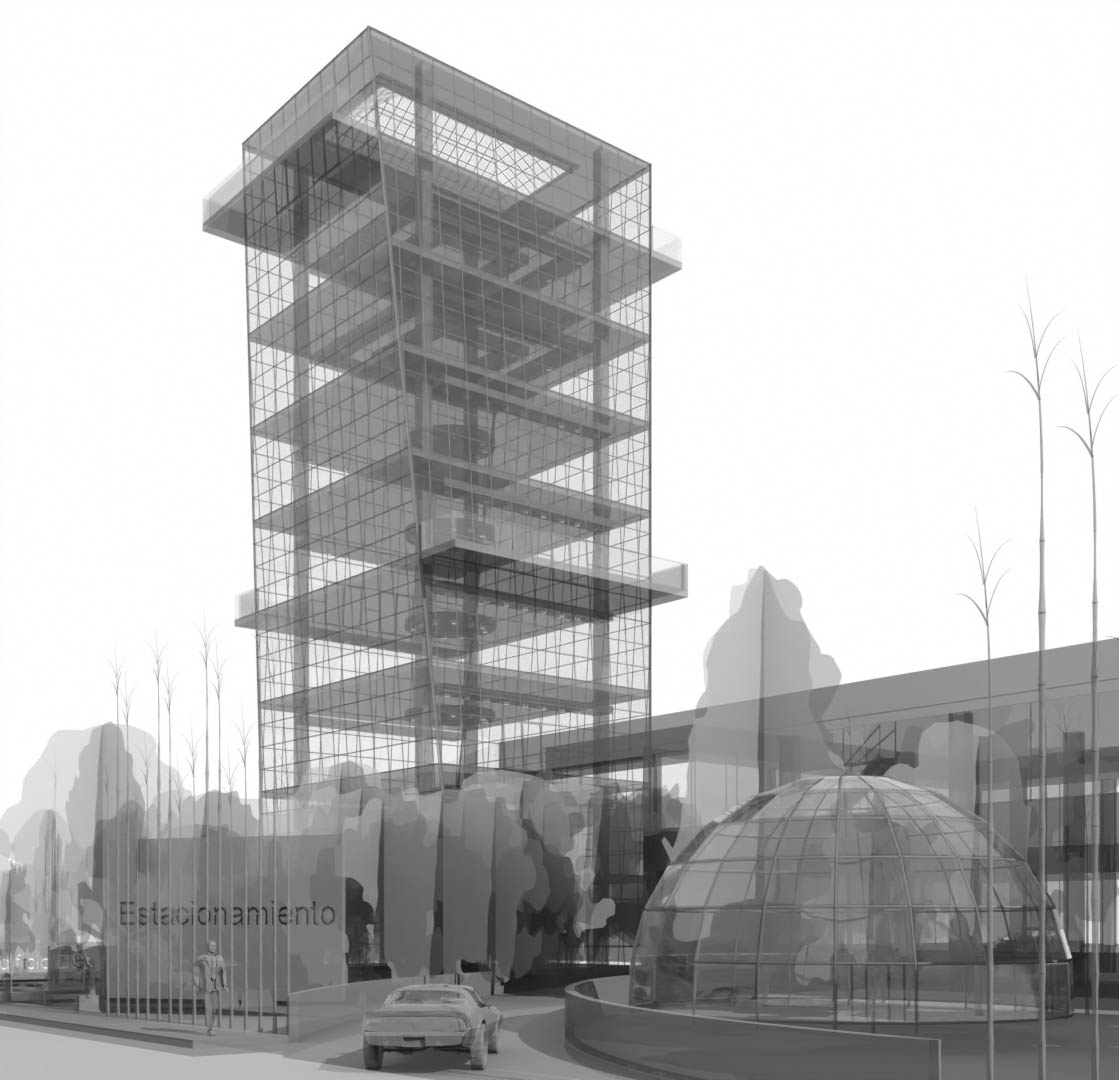
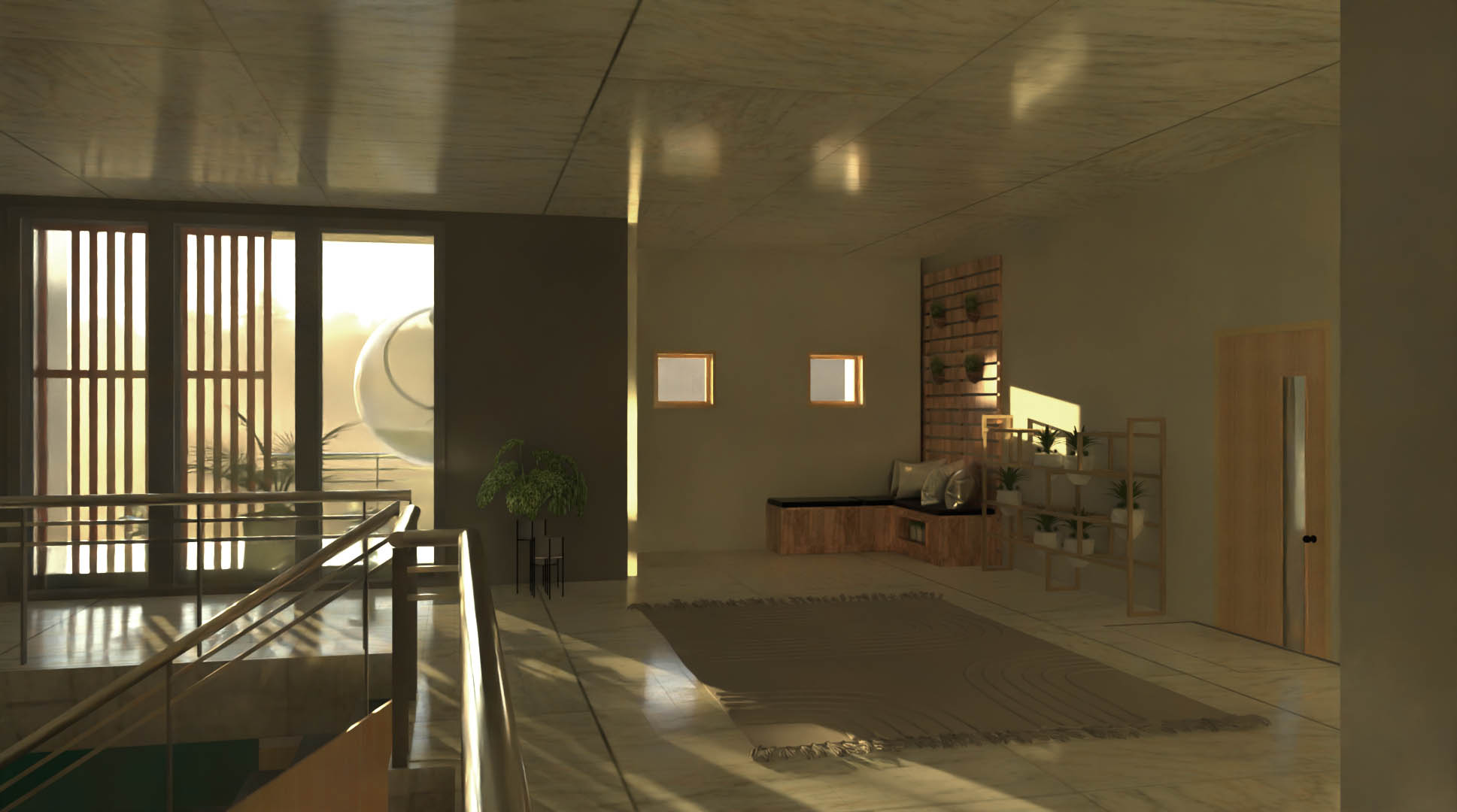
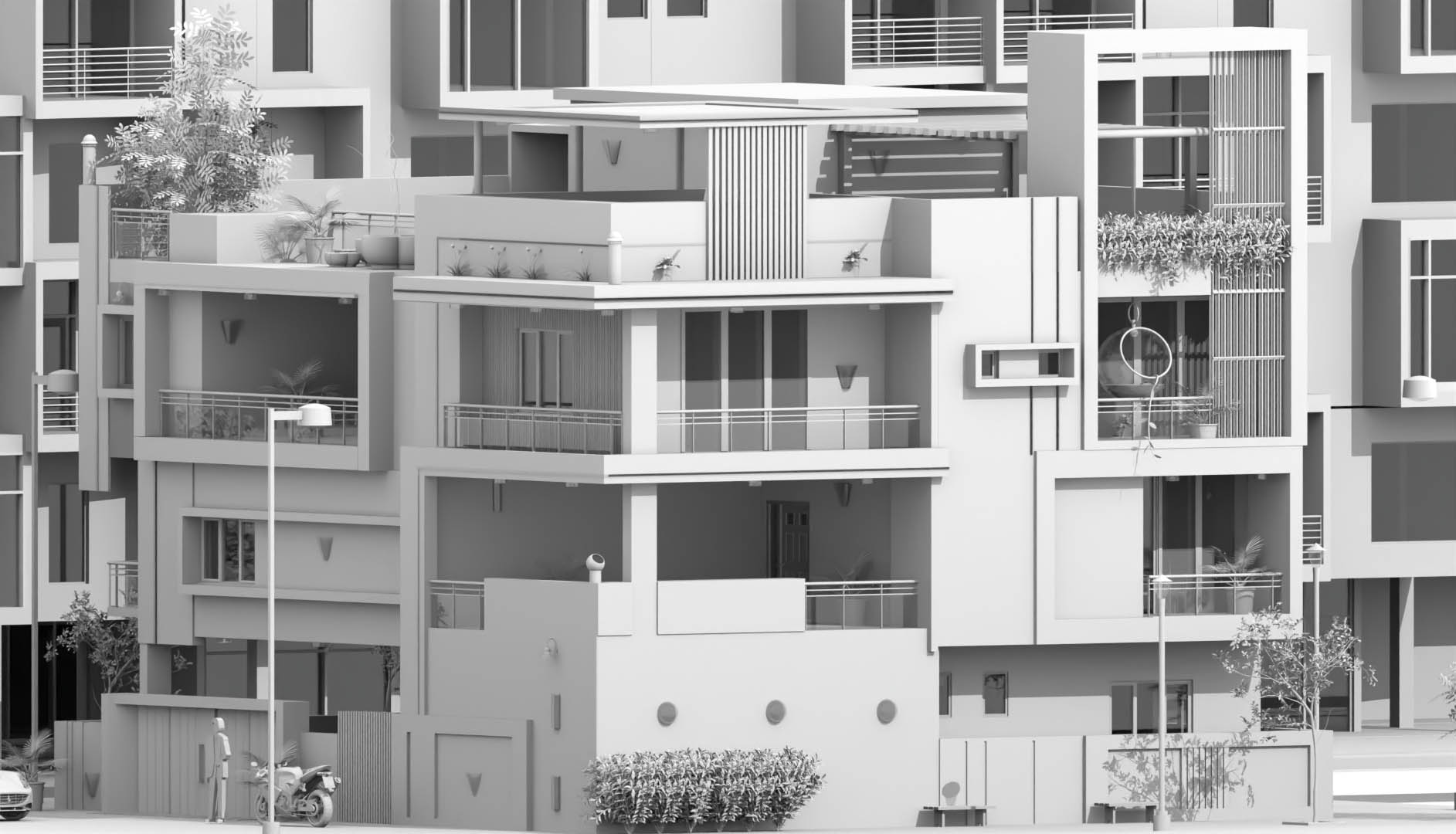
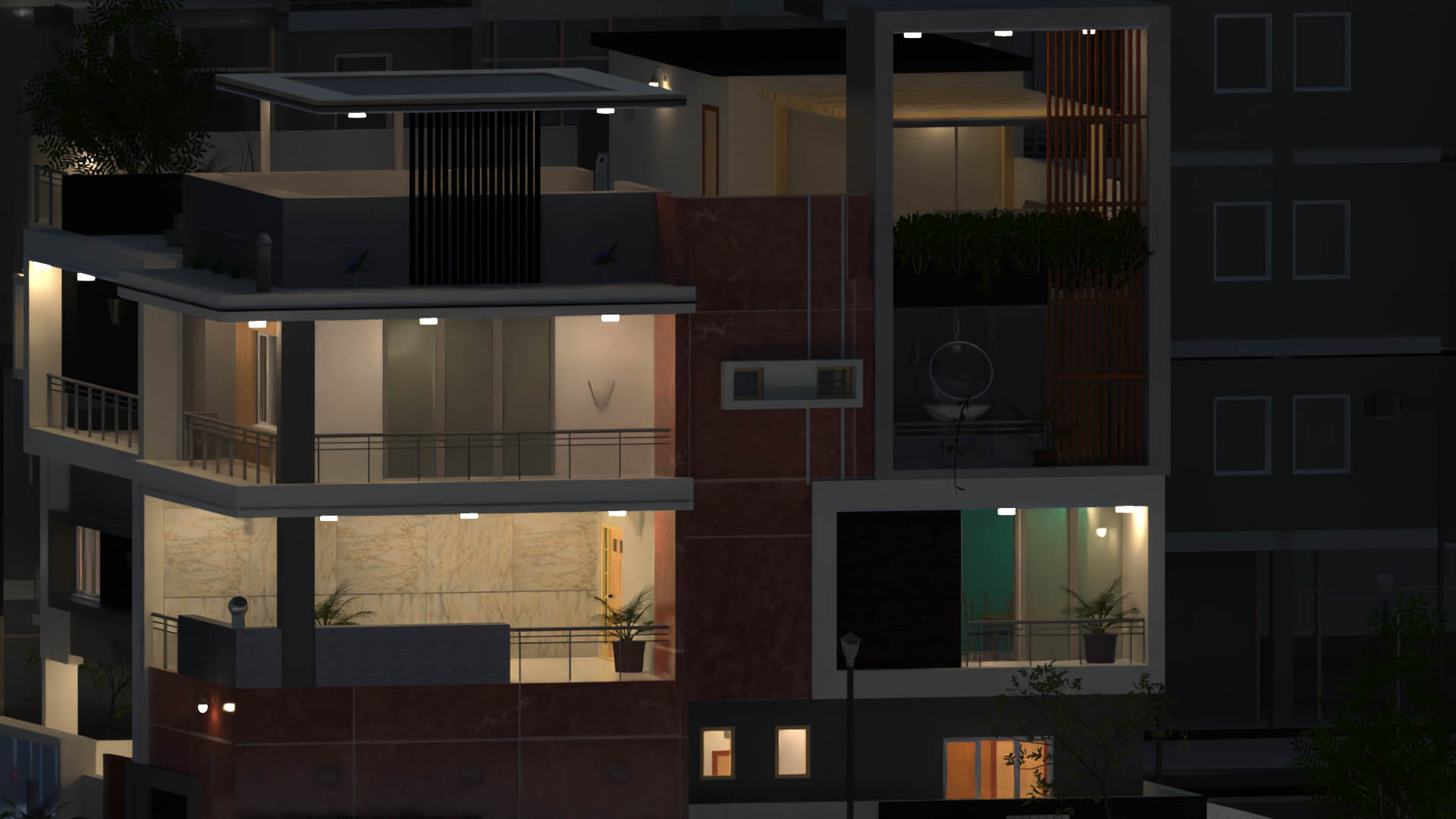
AmbientOcclusion is a fast, easy 3D rendering addin for Revit. No learning required. In just one click, you will create a visually compelling preview of your 3d models, highlighting space and relations with other objects.

Supported languages: EnglishItalianSpanishPortugueseGermanFrench.

AmbientOcclusion Pro

AmbientOcclusion Pro

Named license

AmbientOcclusion Ex

AmbientOcclusion Ex

Named license

AmbientOcclusion Ex - Floating

AmbientOcclusion Ex

Floating license

Fast, one-click 3D rendering for every Revit project

The power of Pro plus batch rendering & solar study

AmbientOcclusion Ex — now with floating licenses

  • Ultra-fast ambient occlusion for instant visual clarity
  • Easily customize and override Revit materials
  • Realistic lighting with environments and sun settings
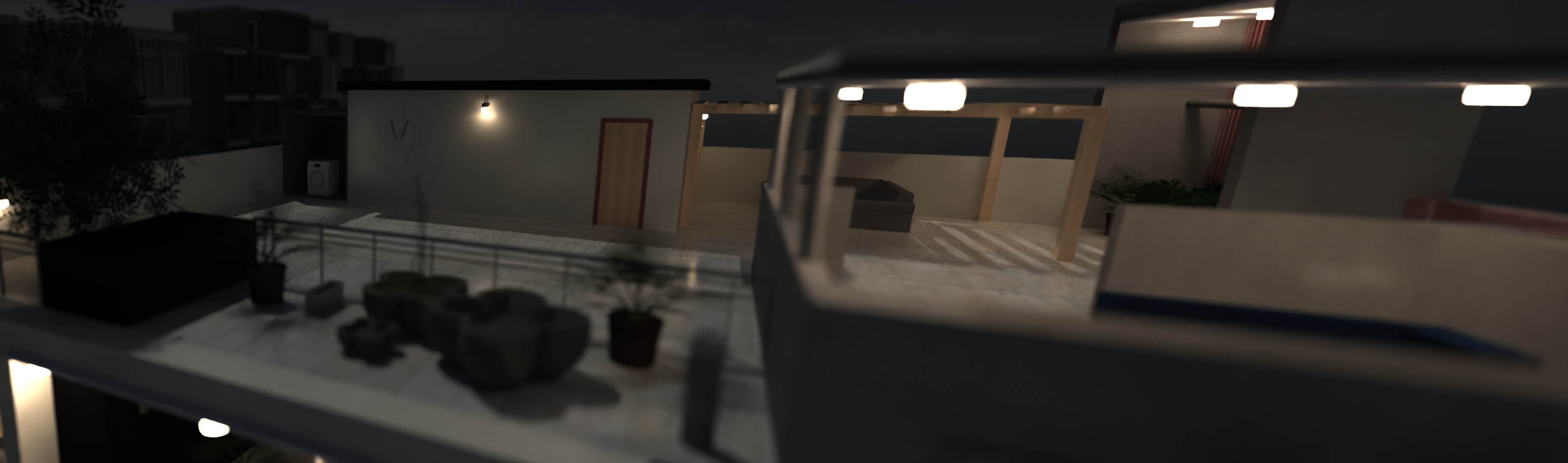
  • Depth of field, transparency, and additional visual effects
  • High-quality global illumination rendering for photorealistic results
  • Runs on Revit 2026
  • All the features of AmbientOcclusion Pro
  • Batch rendering, to render multiple views at once
  • Solar study animations
  • Runs on Revit 2026
  • Full feature set of AmbientOcclusion Ex
  • A flexible floating license you can use on different machines (one active session at a time)
  • Runs on Revit 2026
$10.99/month
billed monthly
$9.99/month
billed yearly
$12.99/month
billed monthly
$10.99/month
billed yearly
$19.99/month
billed monthly
$15.99/month
billed yearly

Using AmbientOcclusion

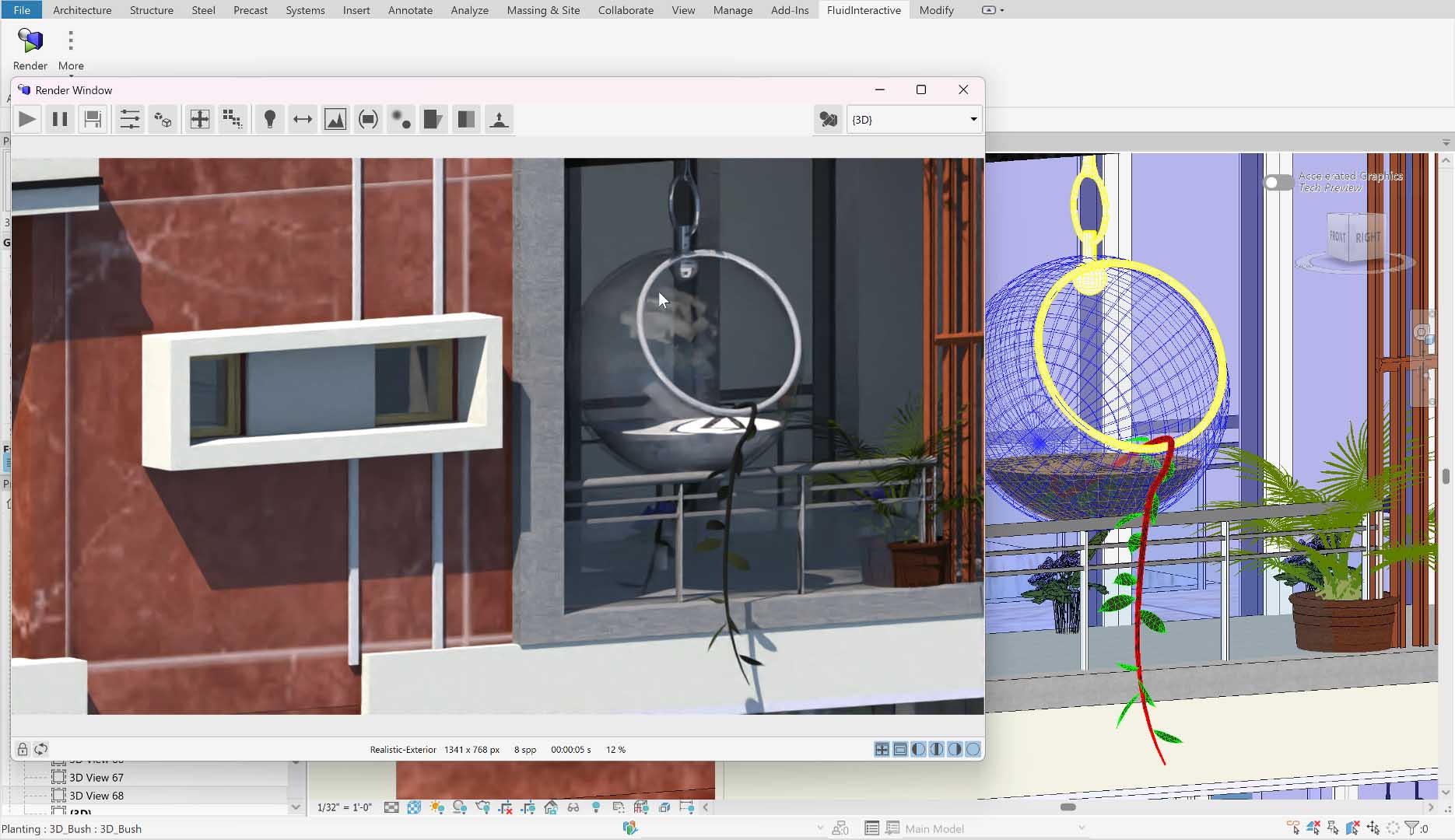
After having installed AmbientOcclusion and restarted Revit, to render your 3d model, go to the FluidInteractive tab and then to the AmbientOcclusion panel; here you can click the Render icon to start. Once the rendering window opens, you can play with the options available on the toolbar, such as resolution, quality, etc.

You can also access the help manual through thebutton placed next to the Render icon.