Frame Simulator | Windows Transmittance

Windows Transmittance

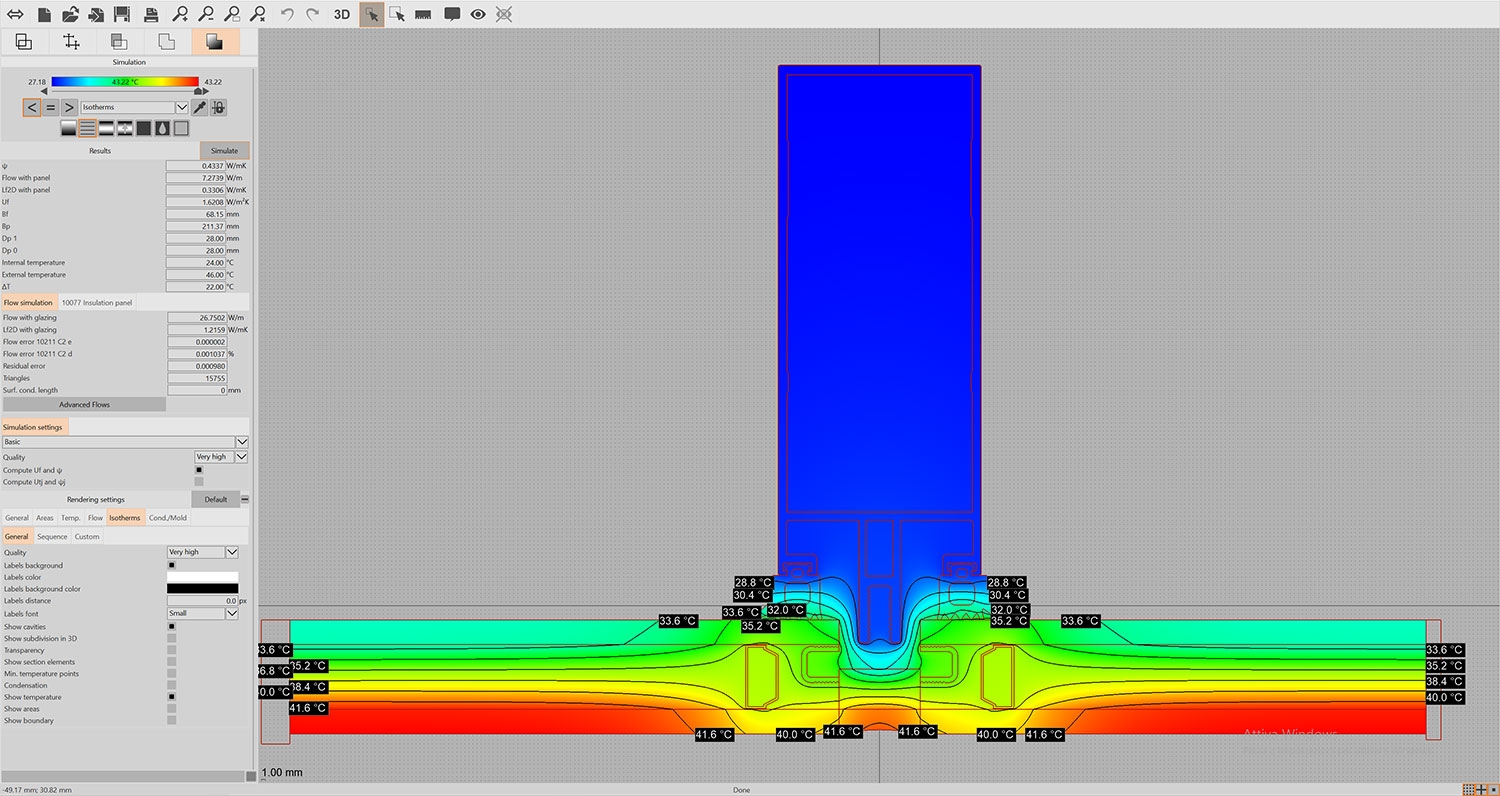
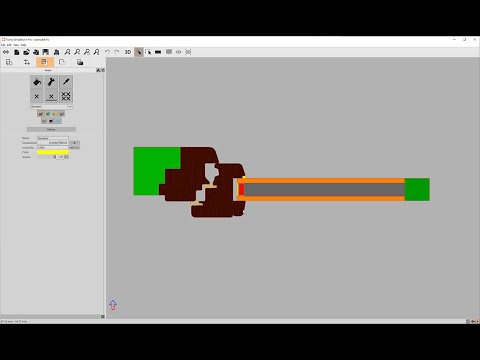
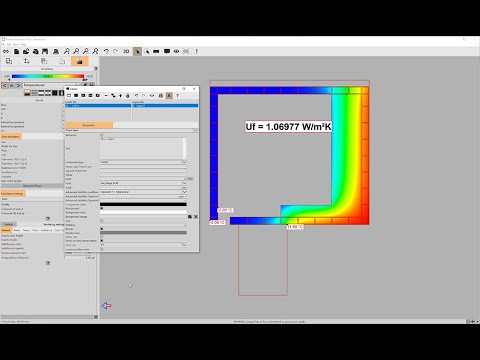
Frame Simulator, together with Frame Composer, makes windows transmittance computation (applying EN ISO 10077-1 and 10077-2) an extremely easy process. With few and simple steps you will be able to apply finite elements method without the need to know anything about the theory behind it. Frame Simulator is available in English and Italian languages for Windows and MacOSX operating systems.

Do you want to try Frame Simulator?

Frame Simulator Viewer is completely free; you can open and explore any project created with Frame Simulator:

After downloading the sample files above, please open them with Frame Simulator Viewer.
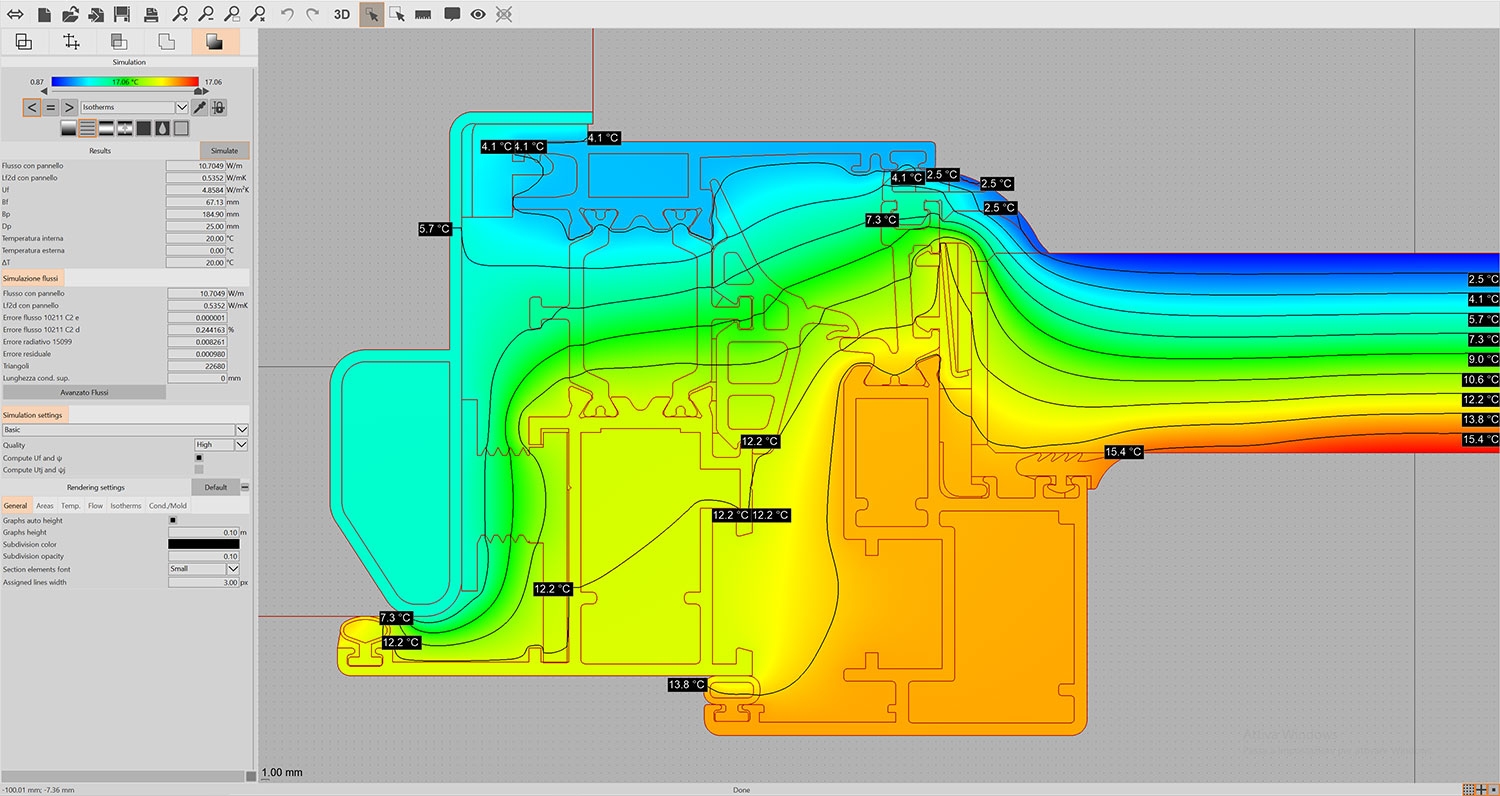
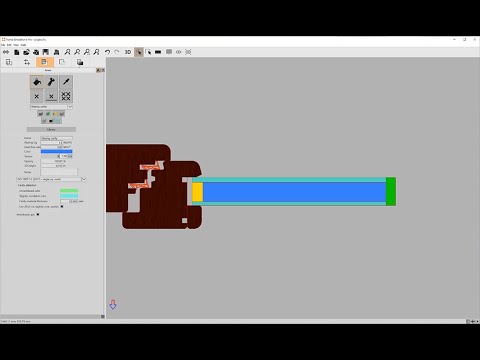
Look how simple it is to get windows transmittance with Frame Simulator:
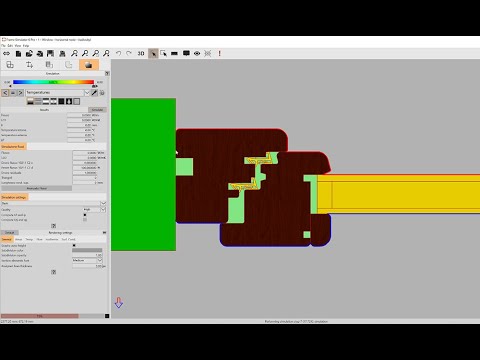
Frame Simulator Tutorial 1: a very simple project

You’ll find many more videos at our YouTube channel
What’s new

Version 8.0.0, build 2118, 22/10/2025:
  • Update to EN ISO 10077-2 2025;
  • Automatic gas algorithm;
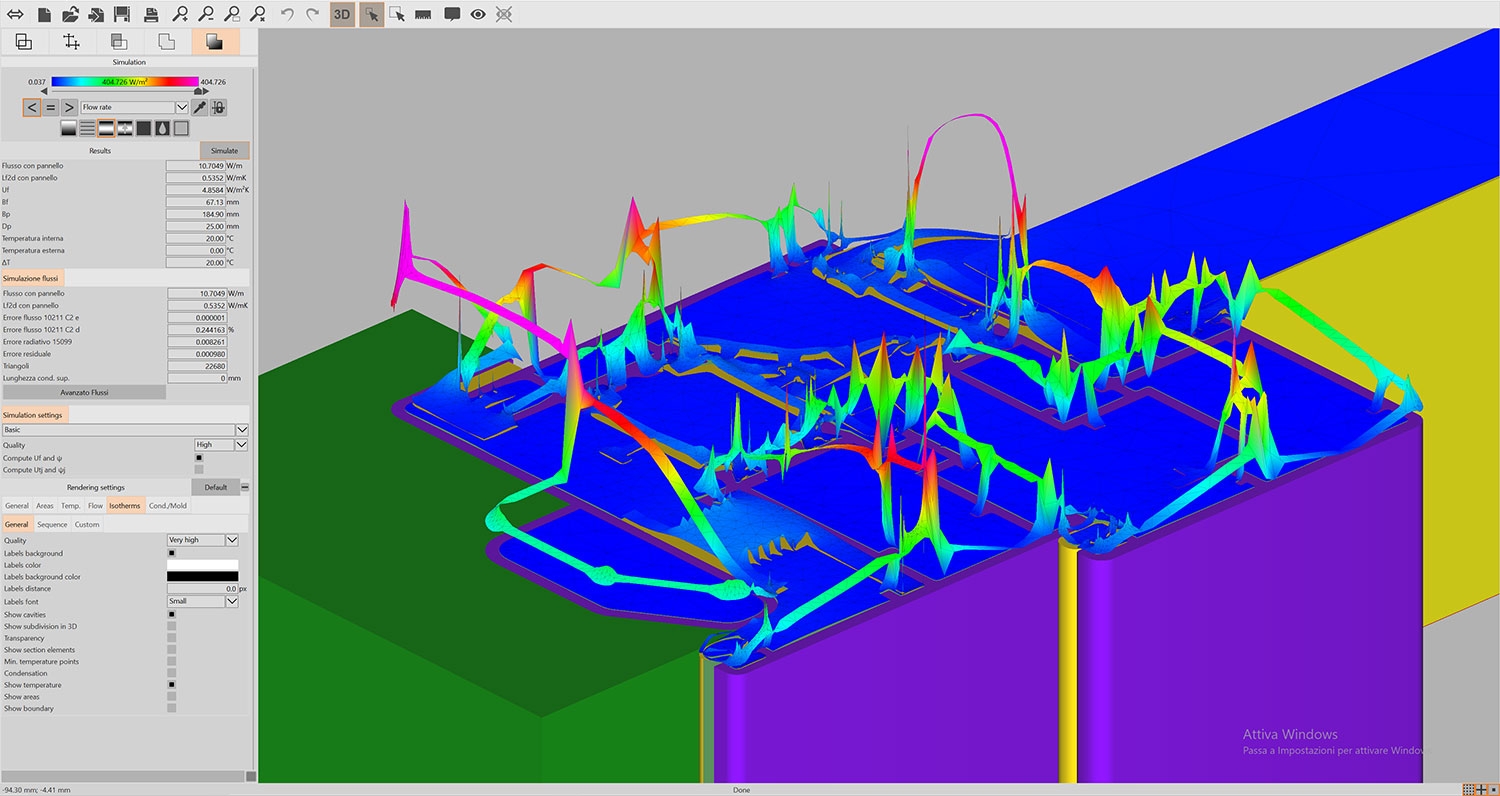
  • Heat flow isolevels visualization;
  • Option to show green area elements on simulation;
  • Option to toggle section elements' results on simulation;
  • Transformation buttons in lines' panel;
  • Native support for Apple Silicon (Mac only);
  • Several improvements and bug fixes.
Version 7.1.1, build 2082, 08/04/2025:
  • DXF import improvements;
  • Several improvements and bug fixes.
Version 7.0.0, build 2045, 15/04/2025:
  • Up to 10 times faster simulations;
  • Subdivision visualization also in 2D;
  • 3D camera rotation optionally limited to X, Y or Z axes;
  • Custom order and filtering in table tags;
  • Views' rectangle toggle button;
  • Automatic internal ISO 15099 surface resistance;
  • Several improvements and bug fixes.
Version 6.4.6, build 1674, 26/11/2024:
  • Several improvements and bug fixes.
Version 6.3.0, build 1617, 30/01/2024:
  • Blocks import from DXF (you don't need to "explode" geometry anymore);
  • Highly reduced radiosity algorithm's execution time;
  • Improved 10077-2 increased resistance algorithm;
  • New set of options when importing materials from .csv files;
  • Several improvements and bug fixes.
Version 6.2.3, build 1588, 30/10/2023:
  • Button to reset simulation settings;
  • Keyboard offset operation preview;
  • Operations' orthogonality will be kept also when releasing X/Y/Z/Shift keys;
  • You can now assign segment material to a strip of parallel segments with a double click;
  • Several improvements and bug fixes.
Version 6.2.2
  • Increased simulation interruption speed;
  • Several improvements and bug fixes.
Version 6.2.1
  • Several improvements and bug fixes.
Version 6.2.0
  • Moving of more than one element at the same time in libraries;
  • DXF import improvements on ellipses and splines;
  • Several improvements and bug fixes.
Version 6.1.2, build 1517, 06/06/2023:
  • Several improvements and bug fixes.
Version 6.1.1
  • Several improvements and bug fixes.
Version 6.1.0
  • "Scenes" library;
  • Option to remove a material "type" only in Areas tab;
  • Several improvements and bug fixes.
Version 6.0.11, build 1472, 15/03/2023:
  • Curtain walls Utj and Psij can be computed without "green areas" (see Frame Simulator Tutorial 12);
  • New automatic USB dongle upgrade system;
  • Several improvements and bug fixes.
Version 6.0.10
  • Several improvements and bug fixes.
Version 6.0.9
  • Several improvements and bug fixes.
Version 6.0.8
  • Several improvements and bug fixes.
Version 6.0.7
  • User interface speed improvements;
  • Several improvements and bug fixes.
Version 6.0.6
  • EN ISO 12631 updated to version 2017;
  • Several improvements and bug fixes.
Version 6.0.5
  • Several improvements and bug fixes.
Version 6.0.4
  • The expansion state of the library tree controls is saved;
  • Ruler tool settings are kept when restarting the software;
  • Several improvements and bug fixes.
Version 6.0.3
  • Easier report labels management system;
  • Several improvements and bug fixes.
Version 6.0.2
  • New libraries management system;
  • Several improvements and bug fixes.
Version 6.0.1
  • Several improvements and bug fixes.

Window cavity

Frame Simulator Tutorial 5: glazing cavity

Sampling analysis

Frame Simulator Tutorial 10: sampling analysis

Glazing ψ

Frame Simulator Tutorial 6: glazing ψ

Tags and labels

Frame Simulator Tutorial 11: labels and tags - advanced features

Window Transmittance and ISO 10077

Here you are a list of the main features of Frame Simulator, the ideal tool for windows transmittance computation:

  • get extremely accurate results with few and simple operations for every kind of frame; you don’t need to know anything about UNI EN ISO 10077;
  • use finite elements methods without real efforts; the mathematical model is completely hidden to the user;
  • foresee thermal behaviour of frames before producing a prototype;
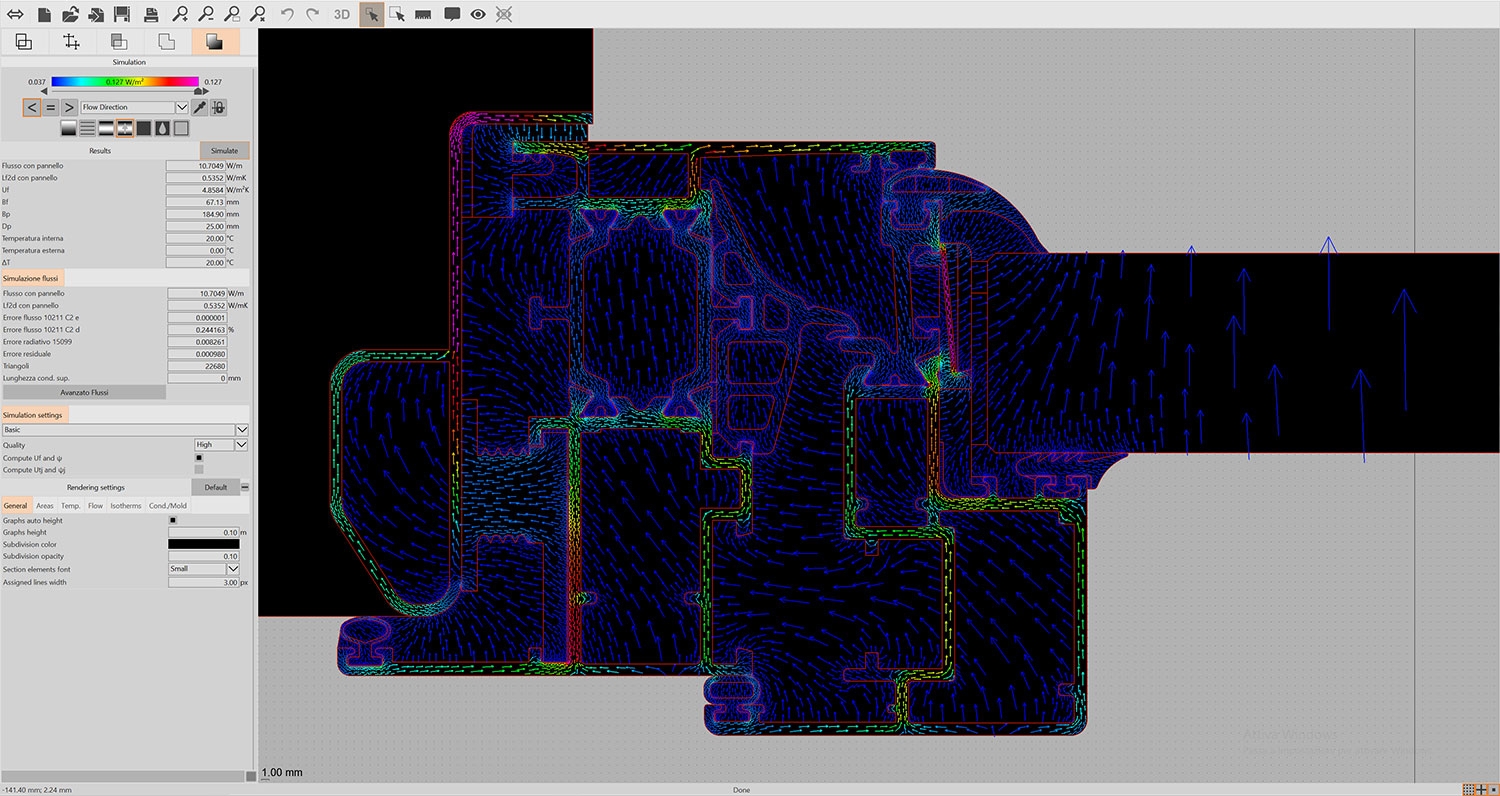
  • analyze and discover weak points of frames through heat flow visualization;
  • import projects created with other software;
  • send stunning presentations to your clients thanks to the newest features.

EN ISO 10077-2 (2025)

Frame Simulator is certified according to EN ISO 10077-2 norm. Here you are the certification, with all the relative test projects:

Plugins and features for windows transmittance

Since version 3 of Frame Simulator you can expand its capabilities by activating additional plugins, which can be purchased separately.

NameFeaturesPrice
Import/Export packLBNL Therm import€60 + tax
ISO 15099ISO 15099 cavities, ISO 15099 boundary conditions, ISO 15099 glazing systems€60 + tax

Create your own slide shows!

You will be able to create real slide shows of your projects: simple “record” some screenshots and Frame Simulator will automatically generate an animation. To distribute it, for example, to some clients, is immediate: you just have to make them open your projects, containing the presentation, with the “Viewer” version of the software. This version is completely free and time unlimited, but it can just view files and not modify them.

Fully customizable print report

Forget the old reports: now you can modify and customize reports as you wish. You’ll have an internal editor (similar to the ones you’re familiar with) to define every single detail you want to print. It is even possible to save reports i various file formats (also html, readable by any computer). You’ll be able to insert various kinds of labels, adding more information; it is a key point for a complete documentation.

Frame Simulator is distributed by Dartwin; please visit www.framesimulator.com for more information.

Together with Frame Simulator, we’ll give you for free Frame Composer, useful to compose frames and systems of windows and doors with closures and courtains. Frame Composer can also be purchased alone; please go to Frame Composer’s page for more information.

Tutorials

  • Tutorial 1: a very simple project. This tutorial shows you some of the main features of Frame Simulator. It points out how simple it is to compute transmittance of a window frame;
  • Tutorial 2: segment materials. Materials can now be set also on segments; this tutorial shows how to set reduced emissivity on cavities of an aluminium frame;
  • Tutorial 3: labels. This is an example of how to add various kinds of labels to your projects;
  • Tutorial 4: views. Learn how you can record views and create beautiful slide shows of you projects;
  • Tutorial 5: glazing cavity. In this tutorial you’ll learn how to handle glazing cavities in two different ways: filling it with a gas material and using a special “glazing cavity” material;
  • Tutorial 6: linear thermal transmittance. Glazing linear thermal transmittance computation is extremely simple; this tutorial shows you how to get it in two different ways;
  • Tutorial 7: roller shutter box. When following ISO 10077-2 standard to simulate roller shutter boxes, special attention must be paid materials used. This tutorial shows the main details of this computation.